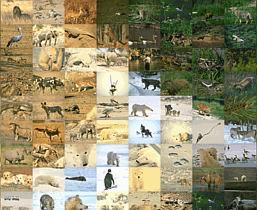
Usually Mazaika-Video generates mosaics that contain few zoom-in and zoom-out sequences. It is a good idea to use different correction levels when you show mosaic at different zooms. Please see on mosaic clip scenario below:

It is obvious that you don't need any correction when you show enlarged cells at the beginning and at the end of the mosaic clip. It is the middle part of the clip, the one that show overall mosaic that needs to be corrected.
You may select various variant of correction for different part of your video output when you build Clip Sequences at the Output mosaic setup screen.
In general, all Colour enhance options are the same as you can use in Image Mosaic - Mazaika.
Using Color enhance options you may change tile colors and brightness for a better match with the
corresponding area of the original image. Sometimes this is the only way to get good looking mosaic,
especially when the mosaic was made using a limited count of tiles in the library. Experiment with
different combinations of values to get the best results.
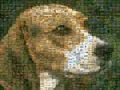
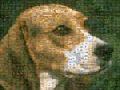
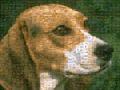
Look at the sample results:
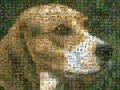
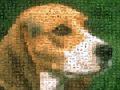
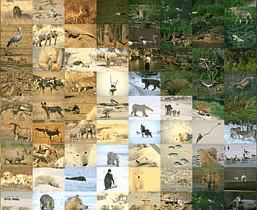
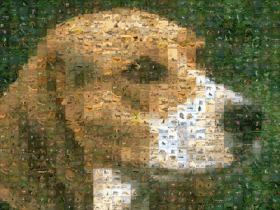
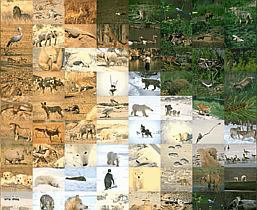
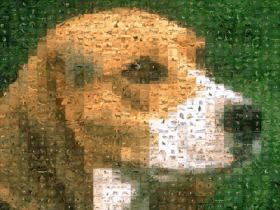
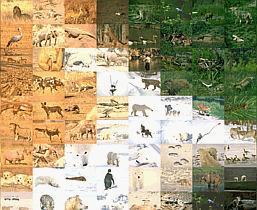
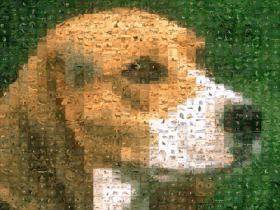
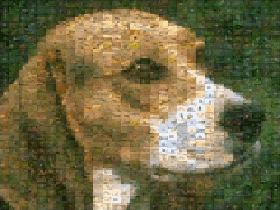
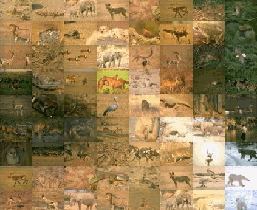
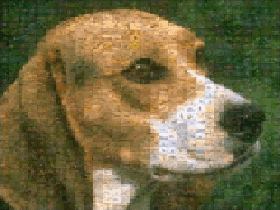
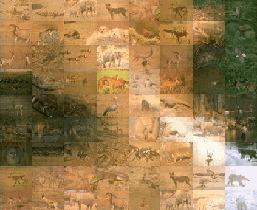
This mosaic was rendered from same collection and was saved with different Color enhance options.
See the whole mosaics and their details:
Color Correction mode:
Color Correction 0 % (No color correction):
Color Correction 30 %:
Color Correction 60 %:
Color Correction 90 %:
Blending tiles mode:
Blend tiles 0 % (No Blending):
Blend tiles 20 %:
Blend tiles 40 %:
As you may see, enhancing by Color Correction is not as obvious as Blend tile colors, though you
may need to use both together to get the best results. Usually it is quite safe to use Color Correction
up to 50% or even more.
Using of Blend tile color has a more obvious effect. Usually it is very effective whilst still being subtle
up to 25% but can be acceptable up to 35 or 40% depending on what type of images you are working
with.